Presentation Folder Template
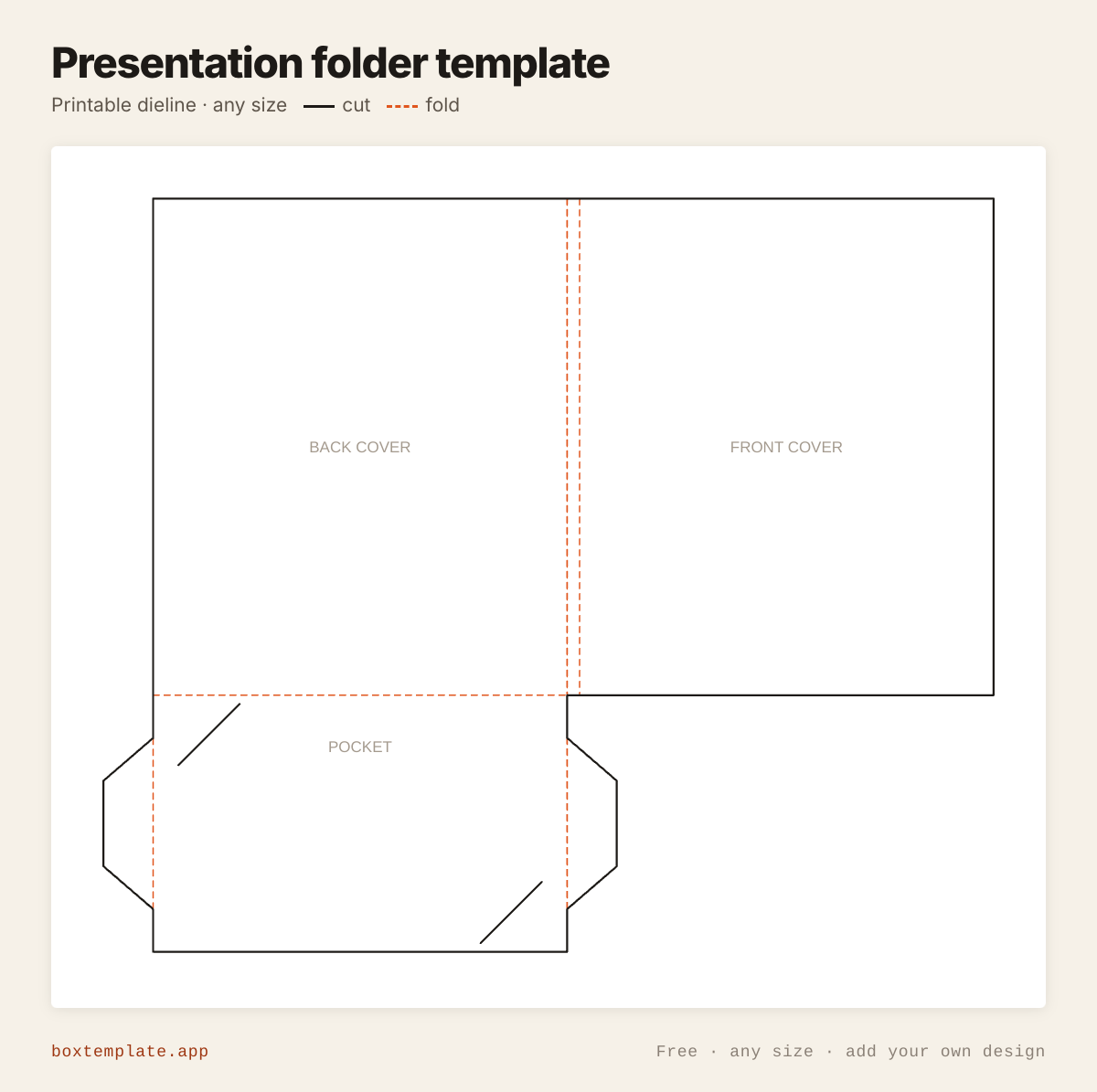
A folder with two covers, a spine for thickness and a glued pocket with slits that hold a business card. Proposals, menus, certificates, invitations and press packs.
Needs glue
Presentation folder — change shape
Put a logo, photo or pattern straight onto the box — most free template sites give you the outline and stop there. Drag it where you want it; it is trimmed to the cut lines so nothing prints off the card, and it stays in your browser.
Advanced settingsunits, flaps, board, paper, lines
Bigger than the paper? Each piece prints whole on its own sheet. A single piece is never split: pick bigger paper or a smaller size. More about printing
This shape has no 3D view yet. The template is still exact.
This shape's 3D view is only an approximation of the printed sheet, so it shows plain card. Your pictures still print exactly where you placed them on the template.
Drag to turn and tilt it; ctrl + scroll or the + and − buttons zoom.Swipe sideways to turn it. Two fingers tilt and pinch to zoom; full screen lets one finger do everything. Double-tap to reset. The fold starts from the very template you print, so gaps and loose tabs show.
Drop a picture anywhere on the drawingTap “Add a picture” below to print your own design on this box.
Print at 100% (“actual size”), never “fit to page”, or the box comes out the wrong size.
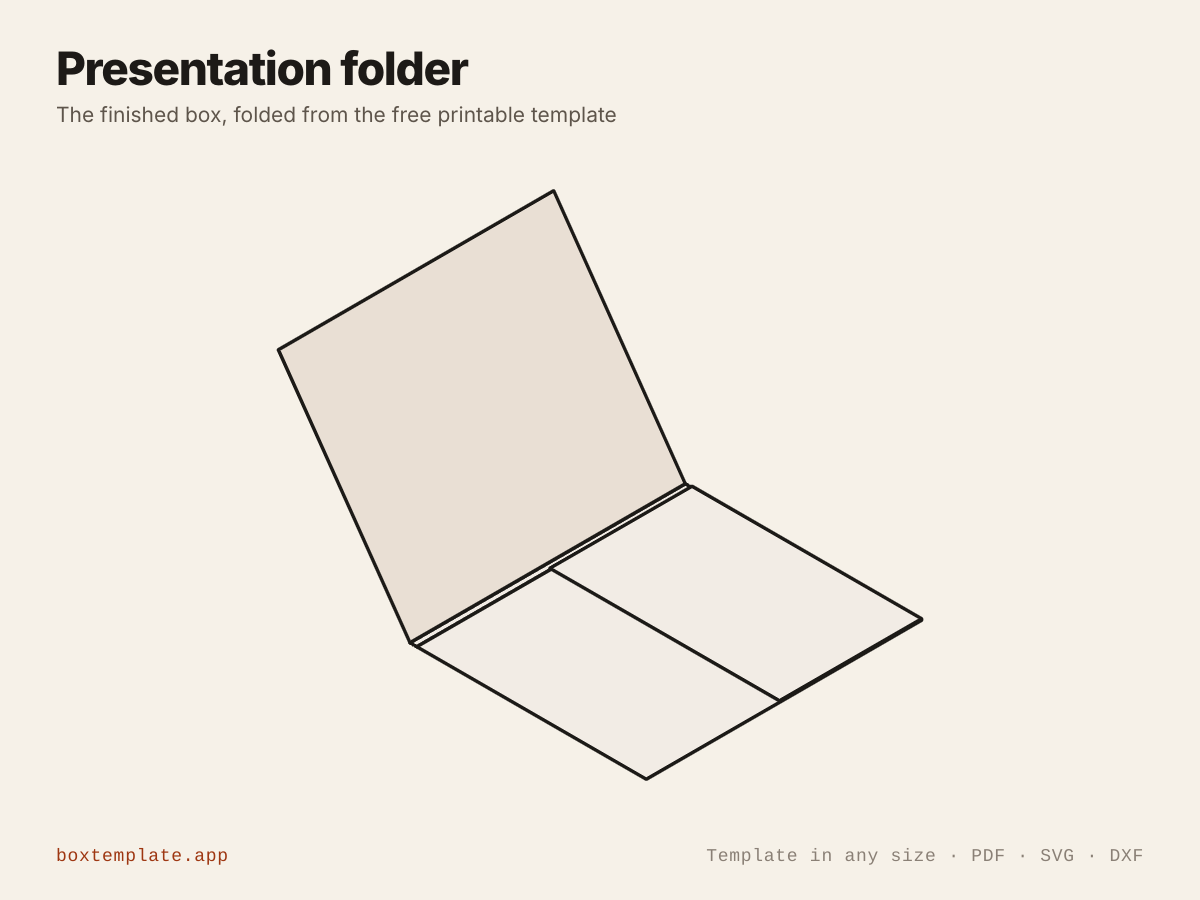
The presentation folder template, flat and folded
What this template is for
A folder with two covers, a spine for thickness and a glued pocket with slits that hold a business card. Proposals, menus, certificates, invitations and press packs.
Also called pocket folder · business card folder · proposal folder · menu folder
- Proposals and press kits
- Menus and certificates
- Invitations and wedding stationery
- Gift card and voucher folders
The presentation folder at a glance
| Standard size | Cover width × Cover height: 100 × 120 mm (3.9 × 4.7 in) |
|---|---|
| Flat sheet at that size | 215 × 182 mm (8.5 × 7.2 in) |
| Prints on | A4: one sheet · US Letter: one sheet · A3: one sheet |
| Biggest on one sheet of A4 | 115 × 138 mm (4.5 × 5.4 in) |
| Biggest on one sheet of US Letter | 119 × 143 mm (4.7 × 5.6 in) |
| Glue | Yes |
| Drawn for | Heavy cardstock, 350–450 gsm / cereal-box card (0.5 mm) |
Common presentation folder sizes
Standard presentation folder sizes: the size of the closed cover, width × height. Each holds the paper named beside it with room to slide it in. Tap a size to open the template at it.
| Size | Measurements | Fits |
|---|---|---|
| 9 × 12 in | 9 × 12 in (229 × 305 mm) | US Letter (8½ × 11 in) |
| 220 × 310 mm | 220 × 310 mm | A4 (210 × 297 mm) |
| 6 × 9 in | 6 × 9 in (152 × 229 mm) | Half Letter (5½ × 8½ in) |
Printing it
At its standard size the presentation folder prints on one sheet of A4 or US Letter. Whatever the size, print at 100% (“actual size”), never “fit to page”. Printing it right · Cricut and Silhouette · Designing it in Canva · Your own picture on it
How to put it together
Drawn from the presentation folder template itself; words in capitals are printed on it.
-
Cut the solid lines
Solid lines are cuts: inside shapes first.
-
Score every dashed line
Dashed lines are folds: score them first so the card does not crack.
-
Step by step
- Cut the outline and the business card slits.
- Crease the spine and the pocket line. The printed side is the outside.
- Fold the POCKET up onto the plain inside of the BACK COVER.
- Fold the glue tab at each end in behind it and glue the tabs to the cover.
- Slide a business card under the corner slits and fold the folder closed along the spine.
Glue: glue stick on paper, PVA on card.
Tip for this one: Crease the spine and the pocket line. The printed side is the outside. Fold the pocket up onto the plain inside of the BACK COVER, fold the glue tab at each end in behind it and glue them to the cover. Slide a business card under the two corner slits. Fold the folder closed along the spine.
Questions about the presentation folder
What size is it?
You set it. It opens at a small 100 × 120 mm cover so it prints at home; a full A4 folder (about 220 × 310 mm per cover) needs a large sheet or a print shop.
What is the spine for?
Room for the papers. A 3 mm spine is two creases close together; make it wider for a thicker stack, or 0 for a single fold.
How do the card slits work?
Two short cuts across opposite corners of a business card (85 × 55 mm). Slide the card corners under them. If the pocket is too small for a card, the slits are left out and the tool says so.
Will it print on one sheet?
At the size it opens with, about 215 × 182 mm, it fits A4 and US Letter turned sideways.
Templates like this one
 Coffee cup sleeveNeeds glue
 Cupcake wrapperNeeds glue
 Table tentNo glue
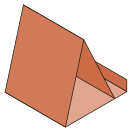 Phone standNeeds glue
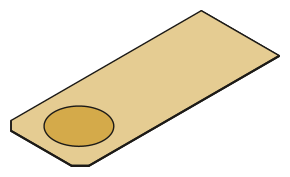 Door hangerNo glue
 Earring display cardNo glue
Guides: How to make an envelope in any size
See all 181 templates · For Canva · For Cricut · For Etsy sellers · Getting it printed
Collections: Wedding and party favour box templates · Christmas box templates · Food box templates · Diwali mithai box templates