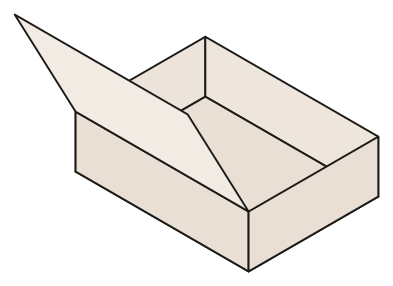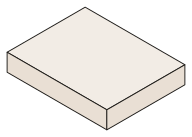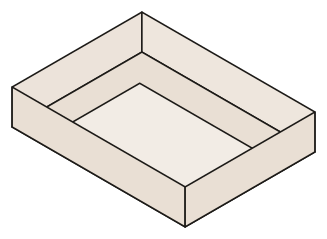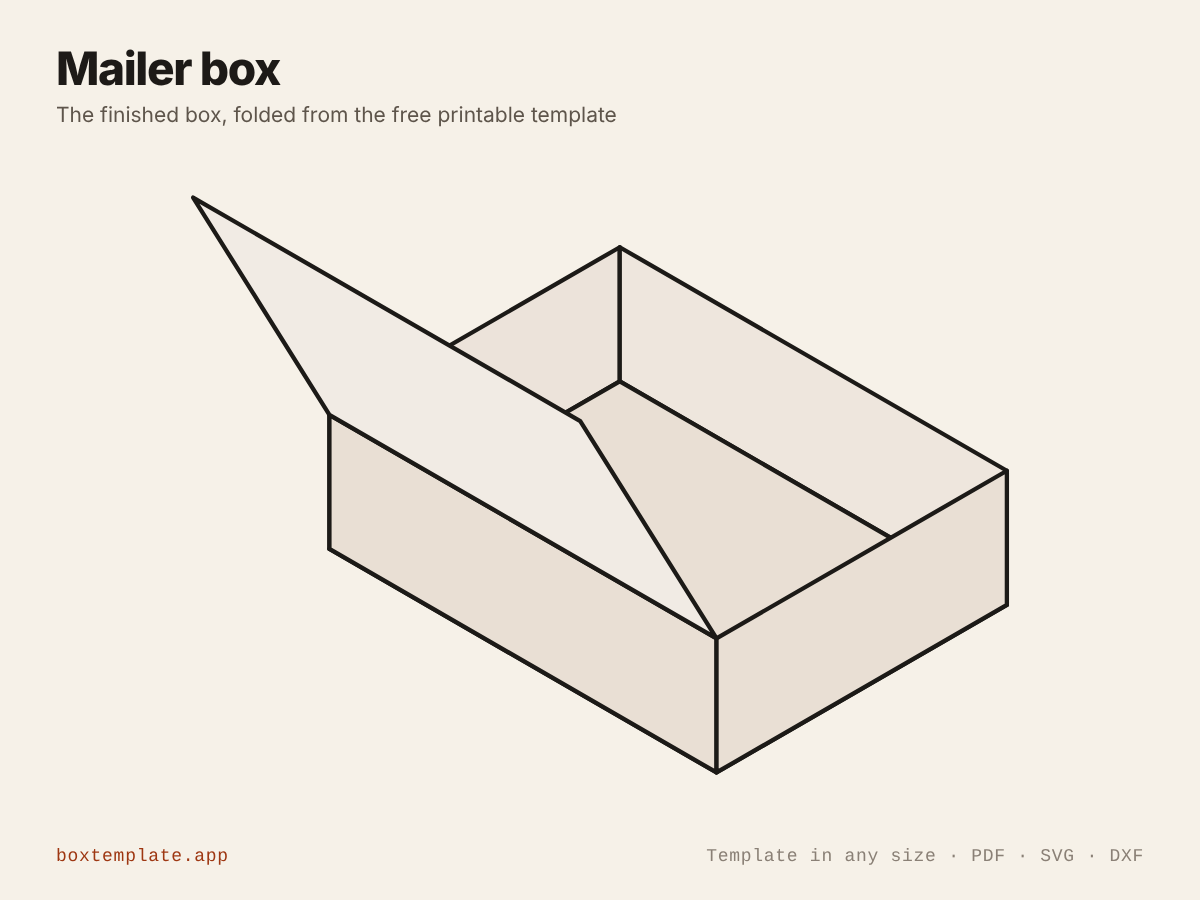
A mailer box is the box an online order arrives in: one piece of board, no glue, walls that lock themselves, and a lid that tucks into the front. It looks better than a brown carton, stacks flat until you need it, and opens nicely, which is why small shops use it. The Mailer box template draws one to the size of your product.
How it holds together
The front and back walls each have an ear at each end. The side walls are doubled: each folds up over the ears, then its lining folds down inside, trapping the ears, and two lock tabs push into slots in the base. That is what makes it rigid with no glue. The lid has a lip that tucks down inside the front wall.
1. Size it from the product
The template asks for the inside length, width and depth: the space the product gets. Measure the product the way it will lie, add the packing (tissue paper, a padded sleeve or filler), then add 2 to 4 mm for a rigid item. How to measure a product for a box goes through it step by step.
Keep it snug. A mailer that fits closely protects better and looks more considered when it is opened.
2. Know how big a sheet it needs
A mailer unfolds to a big sheet, because the side walls are doubled and the lid and its lip are all one piece. At the proportions the template opens with, the biggest mailer that fits on one sheet of A4 is about 84 × 63 × 25 mm inside, and on A3 about 124 × 93 × 37 mm. That is the size of a jewellery, soap or candle box. The box maker tells you before you print if your size will not fit, and never splits the box across sheets.
For anything bigger there are two ways:
- Have it printed large. Many print shops print A2 or A1 on card. Download the PDF and ask for it at 100%, not scaled to fit.
- Use it as a pattern. Have it printed on one large sheet of plain paper, cut it out, and draw round it on corrugated board. This is the usual route for proper shipping boxes, because a home printer will not take corrugated board.
3. Choose the board
- Thick card, around 0.5 mm (cereal-box weight), prints at home through the manual feed and makes a good presentation box, but it is too soft to post on its own. Put it inside a padded envelope or a carton.
- Thin corrugated board is what shop mailers are made of. It protects in the post, but you will be tracing and cutting by hand, or using a cutting machine with a knife blade.
Measure the board you actually have and type that as the material thickness. On a mailer it matters more than on most boxes: the doubled side walls and the lid lip are all sized from it, and a mailer cut for thin card will not close in thick board. The card guide shows how to measure board.
4. Cut and fold
- Cut the outline and the four small slots in the base. On corrugated board, use a steel ruler and a sharp knife, and cut in two or three passes rather than one hard one.
- Score every fold. Corrugated board folds easily along its flutes and fights you across them, so score firmly across the grain. The scoring guide has more.
- Fold the front and back walls up and their ears in.
- Fold each side wall up over the ears, then fold its lining down inside, over the ears, and push the two lock tabs into the slots in the base.
- Load it, bring the lid over and push the lip down inside the front wall.
5. Before you post
- The box needs no glue to hold its shape, but put a strip of tape or a sticker across the lid's front edge for the post, so it cannot be opened in transit.
- Check your carrier's size and weight bands before you settle on a size. A few millimetres can move a parcel into a dearer band, and the outside of the box is the inside plus the board on every side.
- Make one, pack it, and drop it from waist height before you make fifty.
Branding it
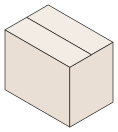
Add your logo in the box maker and drag it onto the lid; it prints on the finished box, trimmed to the cut lines. For a window that shows the product, set a window border on the lid, cut the opening before folding, and tape acetate behind it. For heavy items or bigger parcels, the Shipping carton is the ordinary flap-top carton that closes with tape.
Packaging the products you sell needs the commercial licence, which the guide for shop owners and the licence page explain.