The sonobe unit template, flat and folded
What this template is for
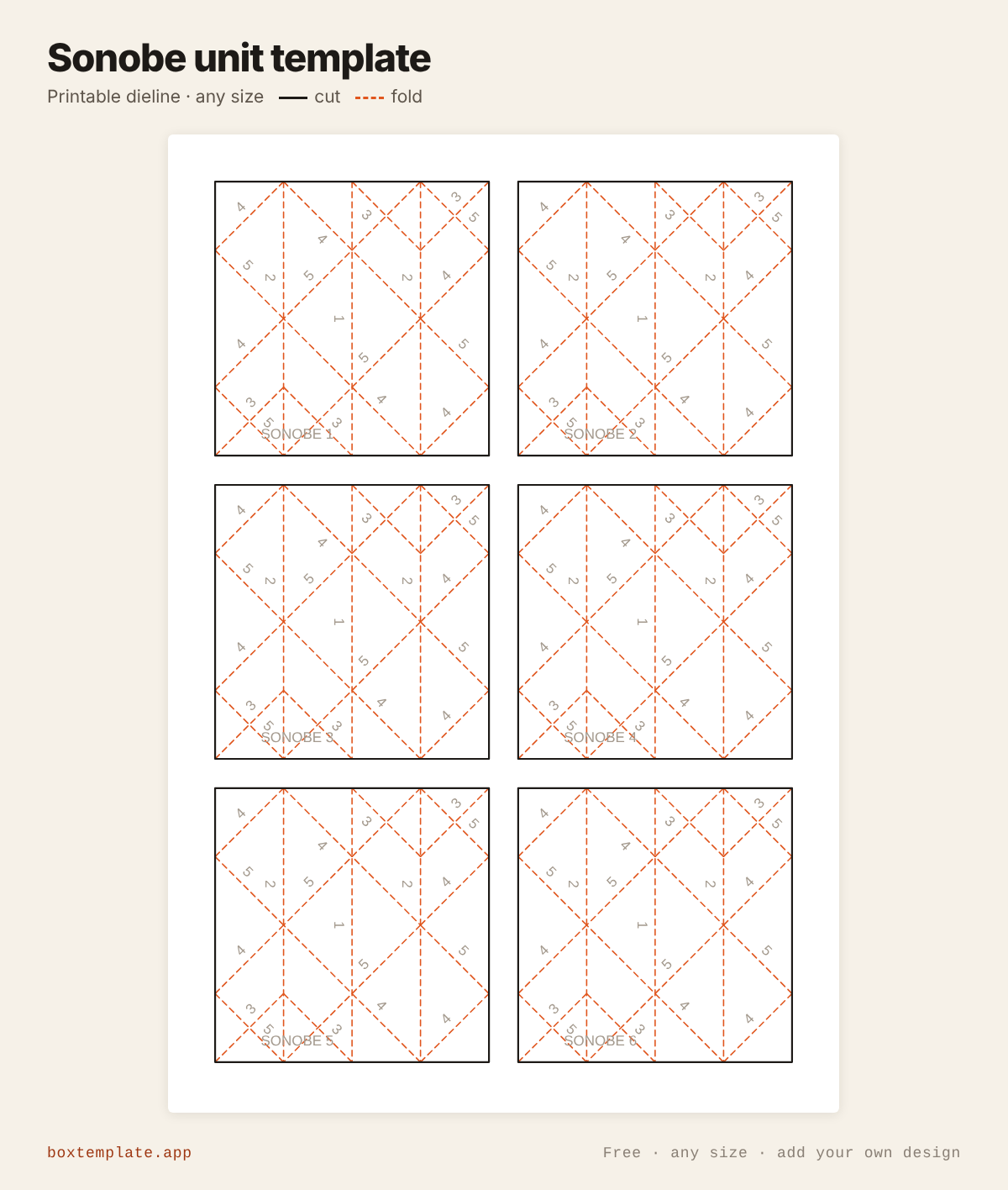
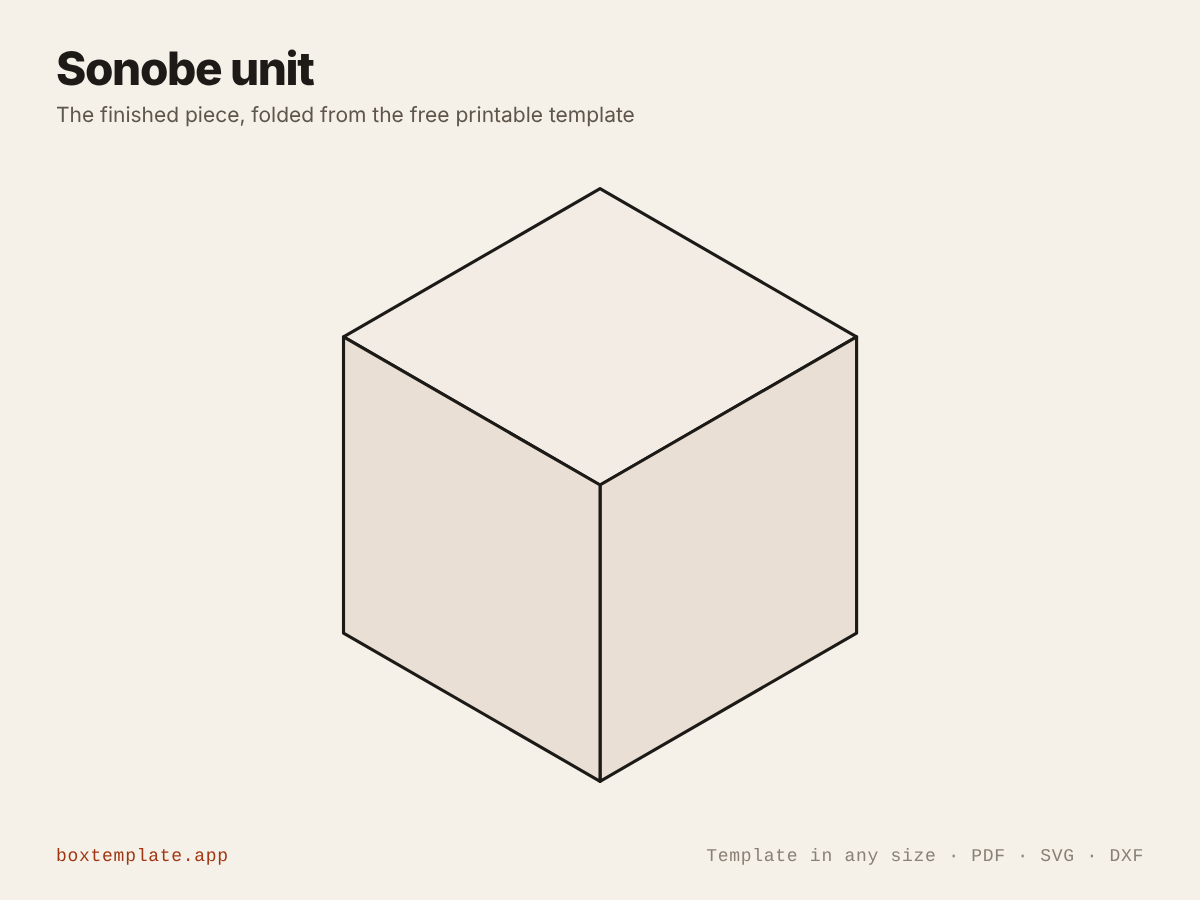
The modular origami unit of Mitsunobu Sonobe: squares printed with every crease and numbered in order. Six make a cube, twelve a star octahedron, thirty a ball. Maths lessons, clubs and classroom displays.
Also called sonobe unit · modular origami · sonobe cube · origami cube unit — all the same shape, and this is it.
- Maths lessons on polyhedra
- Origami clubs and workshops
- Classroom displays and mobiles
- Christmas ornaments
How to use this template
All four downloads are the same sonobe unit at the same size — only the format changes.
Which file goes where: PDF, PNG, SVG or DXF
- PDF printing at home
- Print at 100 per cent, or hand it to a print shop as "actual size, no scaling".
- PNG 300 dpi Canva, Photoshop, Procreate
- Upload, lock it in place and design your sonobe unit on top. Free plan and phone included. Full Canva walkthrough →
- SVG Cricut, Illustrator, Inkscape, Affinity
- Vector, with cuts, folds and labels on separate layers. Cricut and Silhouette walkthrough →
- DXF Silhouette, laser and vinyl cutters
- Two layers, CUT and FOLD — and the one free Silhouette Studio Basic will open.
Getting it printed properly → · Putting your own design on it →
Printing it
- Type your size above, then download the PDF.
- Print at 100% — never “fit to page”, or every measurement comes out wrong.
- Too big for the paper? Pick your paper size and leave Fit the pieces to the page ticked: each piece gets its own place on a sheet and the PDF comes out with every page in it, nothing cut in half and nothing to tape.
How to put it together
These pictures are the sonobe unit itself, not a generic diagram — change the measurements above and the template changes, but the steps never do. The names in capitals are the labels printed on the template.
-
Cut out the sheet
Cut on the solid outline only. Thin paper — printer or origami paper — folds crisper than card.
-
Crease the numbered lines
The dashed lines are folds, numbered in the order you make them. Thin paper needs no scoring: fold, then run a fingernail along the crease.
-
Step by step
- Cut out the squares and lay each one printed side down. Fold the lines in the order of their numbers.
- 1: crease down the middle and open. 2: fold both sides in to it. 3: fold the two small corners in.
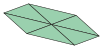
- 4: fold the long diagonals into a parallelogram, tucking each corner under the flap opposite.
- 5: turn it over, fold each point to the opposite corner, crease and open.
- Join the SONOBE units tab into pocket: six make a cube, three meeting at every corner.
No glue: it holds by its folds. If a fold will not stay, crease it again harder.
Questions about the sonobe unit
How many units do I need?
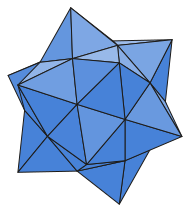
Six for a cube, twelve for a star octahedron (a cube with a pyramid on each face) and thirty for a ball (a stellated icosahedron). Each unit has a tab at each end and a pocket on each side: a tab goes into the next unit’s pocket.
What size squares?
The default is 75 mm squares, six to an A4 or US Letter sheet. A unit folded from a square of side S makes a cube S × 0.354 on a side: 75 mm squares give a cube about 27 mm across.
Are the creases right?
They are worked out by folding: the sheet is folded step by step in the computer, and every printed crease is where a fold actually lands. Check-origami folds it again with different arithmetic and confirms every crease is real, none is missing and the pattern folds flat.
Templates like this one


All origami templates · See all 164 templates · For Canva · For Cricut · For Etsy sellers · Getting it printed
Collections: Wedding and party favour box templates · Christmas box templates · Food box templates · Diwali mithai box templates